
K103 Pro Drone 4K Dual Camera – Brushless, Obstacle Avoidance, Foldable
K103 Pro Drone 4K Dual Camera – Brushless, Obstacle Avoidance, Foldable
💰 Du sparer: $40.39 (24%)
🚚 Gratis frakt over hele verden - uten minimum!
Help to protect the world's most vulnerable animals, places and people
Kunne ikke laste inn tilgjengelig pickup
K103 Pro Foldable Dual Camera Drone with 4K Photo Output and Easy Hover Support
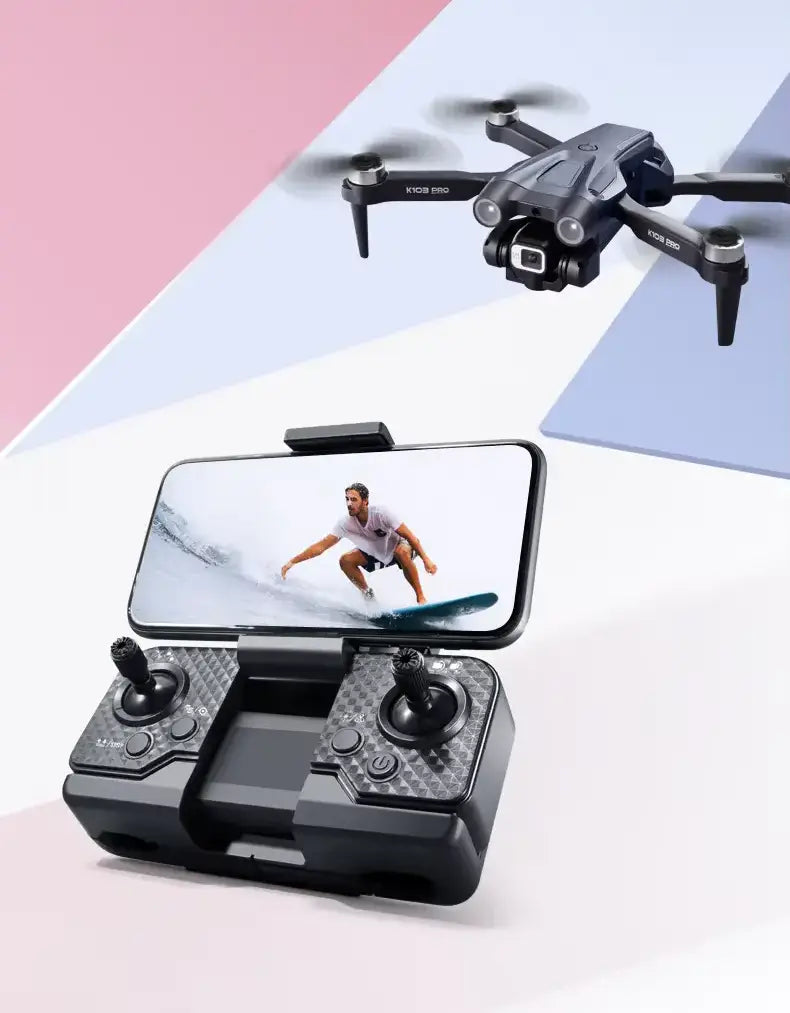
The K103 Pro is a foldable dual-camera drone for first practice flights, casual travel shots, and everyday aerial framing where easy hovering matters more than advanced filming. Its strongest value is beginner-friendly control: optical flow, altitude hold, one-key takeoff and landing, phone-connected preview, and a motorised front camera that tilts up to 90 degrees.
4K photo output, 1080p video at 25 frames per second with EIS, and tri-directional sensing add useful support, but this model works best in open, lower-interference spaces with realistic expectations around wind, range, sensing coverage, and return assistance.
Quick Highlights
- Easier hover support for beginners: Optical flow, altitude hold, and one-key takeoff and landing help make short practice flights and casual framing easier to manage.
- Adjustable dual-camera framing: The front camera supports motorised tilt up to 90 degrees, while the downward camera helps with ground reference and positioning support.
- Casual media support: 4K photo output and 1080p video at 25 frames per second with EIS support everyday travel shots, practice clips, and simple sharing.
- Tri-directional sensing with clear limits: Forward, left, and right short-range sensing can help slower practice flights, but it is not full-direction obstacle protection.
Key Features
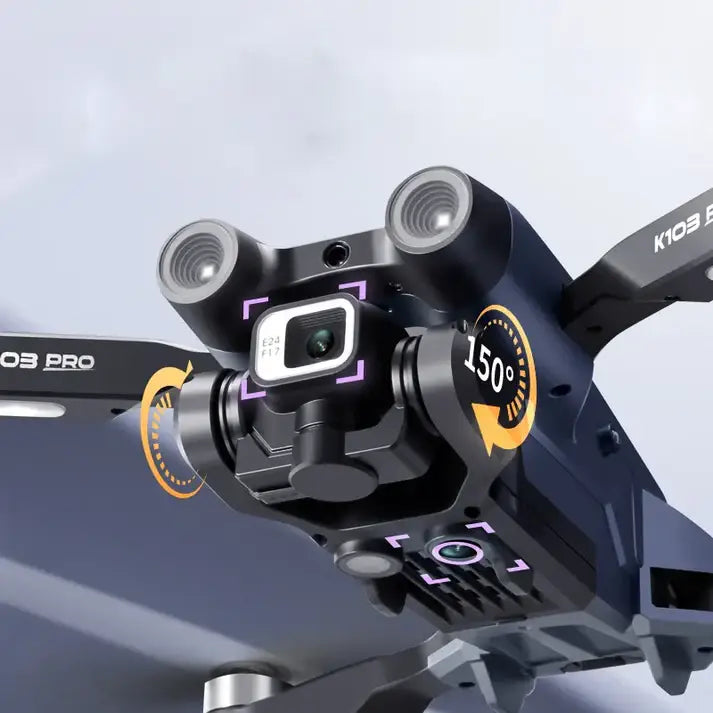
- Dual-camera setup with adjustable front angle: The front camera supports motorised tilt up to 90 degrees for easier overhead and forward-looking framing during the same flight. The downward camera helps with ground reference and positioning support.
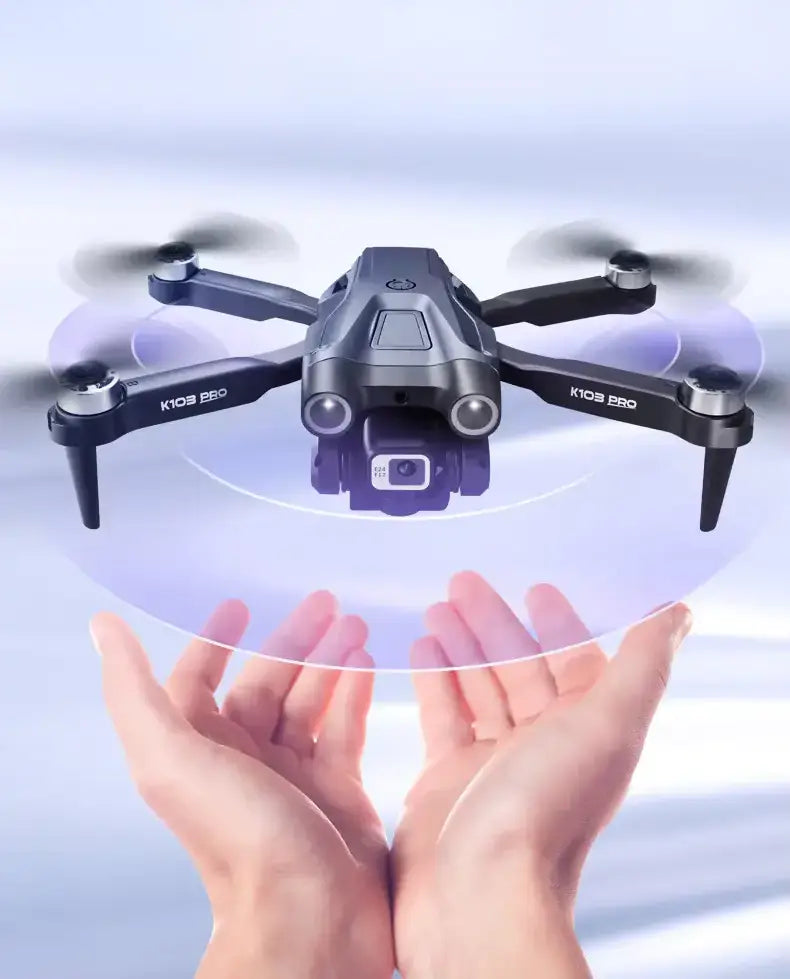
- Hover support that helps reduce the beginner learning curve: Optical flow and altitude hold work together to support basic position-keeping and steadier hovering for practice flights and smoother framing in suitable conditions.
- Tri-directional sensing for close-range flight assistance: Forward, left, and right short-range sensors help with obstacle detection during slower flying in suitable lighting. This is a flight aid only and does not cover all directions.
- Phone-connected live preview for easier framing: Wi-Fi FPV lets you view a live image on your phone for flight reference and camera framing. Preview quality and stability depend on signal conditions, phone compatibility, and surroundings.
- Easy-control flight functions for everyday use: One-key takeoff and landing simplify launch and recovery, while the included remote and app control options give new pilots a straightforward way to start flying and explore more functions over time.
FAQ
What image quality can I expect from this model?
The K103 Pro supports 4K photo output and records 1080p video at 25 frames per second with EIS. Its live preview is designed for framing and flight reference, so what you see on the phone can differ from stored photos and recorded video. This makes the drone better suited to casual travel shots, practice clips, and everyday sharing than to high-end large-screen production.
How does the obstacle sensing help during real flights?
Tri-directional sensing supports forward, left, and right short-range obstacle detection. It works best during lower-speed flying and in suitable lighting. It is a helpful flight aid, not a full protective system, and it does not cover all directions.
Is it beginner-friendly?
Yes. One-key takeoff, one-key landing, optical flow, altitude hold, and the foldable design make the K103 Pro approachable for first-time users. New pilots still need open space, careful practice, and steady manual awareness while learning.
Do I need a phone to fly it?
No. The included remote control supports standard flight operation on its own. A phone becomes useful when you want Wi-Fi FPV live preview, trajectory flight, gesture control, voice control, VR split-screen mode, and app-based editing tools.
What flight time should I expect in everyday use?
The K103 Pro runs for up to 15 minutes in suitable conditions. Real flight time will vary with wind, speed changes, temperature, and how actively you use the camera and flight functions. It is best suited to short recreational flights, practice sessions, and casual content capture.
How far does the control and live preview connection reach?
Control distance reaches up to 100 meters in suitable open conditions. Wi-Fi FPV performance also works best in open, lower-interference surroundings. Buildings, trees, wireless congestion, and signal interference can reduce preview stability and usable distance.
What should I expect from the one-key return function?
This function is designed as a convenience aid that can help simplify recovery in open, low-interference areas. It should not be treated as an exact automated recovery system in complex surroundings. Keep the drone within visual line of sight and stay ready to steer manually.
Honest Guide
Who this model suits best
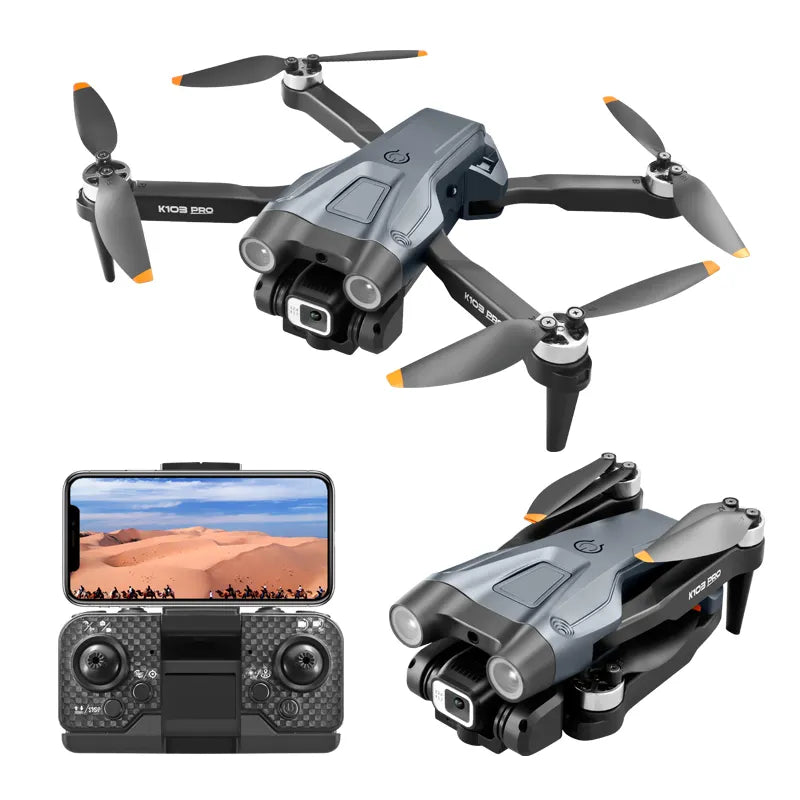
The K103 Pro is best suited to beginners, gift buyers, casual travel users, and hobby flyers who want a foldable drone with easier hover support, an adjustable front camera, a downward support camera, and approachable flight aids.
What the camera experience is really like
This model is built around 4K still-photo output and 1080p recorded video at 25 frames per second with EIS. The Wi-Fi live preview is there for framing and flight reference rather than final media quality. App tools such as digital zoom and beauty filters support casual editing, but image quality decreases as zoom increases.
What it is good at
- Practice flying
- Casual aerial framing
- Travel carry use
- Social media clips
- Learning how camera angle, hover support, and app functions work together in real flights
What it is not built for
- High-wind flying
- Precision professional filming
- Fully automatic collision protection
- Demanding long-range outdoor use
- Exact automated recovery in complex environments
Environment and flying boundary
Hover performance, obstacle sensing, live preview quality, range, and total flight time all depend heavily on the surroundings. Obstacle sensing is usually more predictable in calmer, lower-speed situations and should be used more cautiously in strong sunlight, visually complex spaces, or cluttered outdoor environments. Bright LED lights help with visibility during dusk flying, but low-light use still requires extra caution.
Indoor and outdoor use
Indoor practice can be easier in open spaces with good lighting and propeller guards fitted. Outdoor flights are better suited to calm, low-interference conditions where live preview and recovery functions remain easier to manage.
Buying fit
A more advanced model will make more sense for stronger wind performance, more advanced filming stability, and higher-end long-range confidence. The K103 Pro fits practice flights, casual aerial photos, and everyday social sharing better.
What’s in the Box
The package includes the core items needed to fly, charge, protect the propellers, connect the app, and carry the drone between outings.
- K103 Pro Drone × 1
- Remote Control × 1
- Spare Blades × 4
- Guard Frames × 4
- Charging Cable × 1
- Screwdriver × 1
- Storage Bag × 1
- Product Box × 1
- User Guides × 2
Technical Specifications
Aircraft and Build
- Model: K103 Pro
- Design: Foldable drone body
Camera and Preview
- Camera Structure: Dual camera system
- Front Camera Angle: Motorised tilt up to 90 degrees
- Downward Camera: Ground view and positioning support
- Photo Output: 4K
- Recorded Video: 1080p at 25 frames per second with EIS
- Live Preview Transmission: Wi-Fi FPV live preview for phone-based framing and flight reference
Flight Support
- Hover Support: Optical flow and altitude hold
- Obstacle Sensing: Forward, left, and right short-range sensing
- One-Key Functions: Takeoff, landing, and return assistance
- Flight Time: Up to 15 minutes in suitable conditions
- Control Distance: Up to 100 meters in suitable open conditions
- FPV Connection Range: Up to 100 meters in suitable open conditions
Power and Wireless
- Battery: 3.7V 2000mAh LiPo
- Charging Time: 2 to 3 hours
- Wireless Frequency: 2.4GHz
- Lighting: Bright LED lights for better dusk visibility
Unlock All Features
- Trajectory flight: Draw a route in the app for guided path flying.
- Gesture control: Capture photos and videos with hands-free gesture commands.
- Voice control: Use simple in-app voice commands. Performance depends on device and language settings.
- VR split-screen mode: Use a compatible phone headset for immersive FPV viewing.
- 360-degree stunt flip: Add playful recreational flight moves through the remote control. Position hold pauses during the move.
- App editing tools: Use beauty filters and digital zoom from 1x to 50x for quick mobile edits. Image quality decreases as zoom increases.
Fly Safe & Legal
Always keep the drone within visual line of sight and check your local drone rules before flying.
Review registration requirements, no-fly zones, and privacy expectations in your area.
Use extra caution around people, roads, buildings, trees, reflective surfaces, and low-light environments.
Calm weather, open space, and lower-interference surroundings are the safest conditions for practice flights.
The K103 Pro’s clearest value is easier beginner practice: steadier hovering, adjustable camera framing, and app-connected support in a foldable dual-camera drone.
Del
